IPTV player for iPhone, iPad, Mac and Apple TV
Your playlist. Played properly.
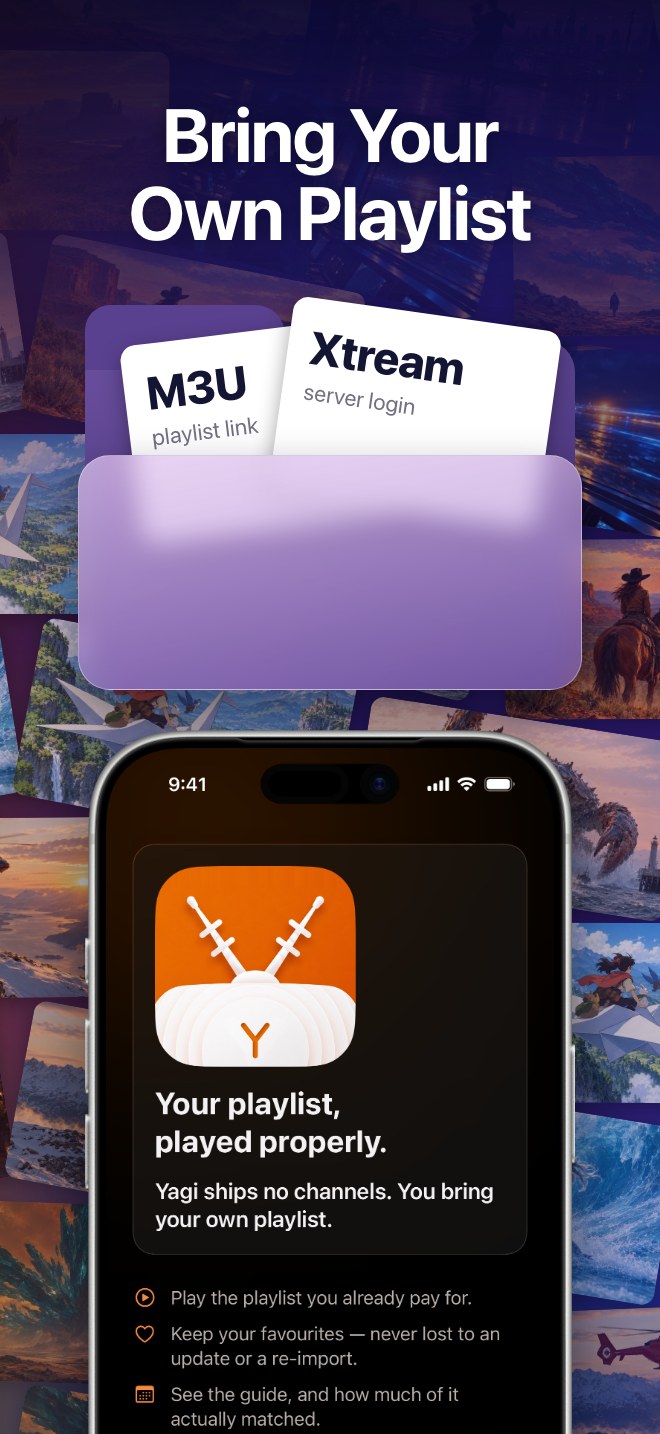
Yagi is a player for the IPTV service you already have. It ships no channels and sells none. Add your playlist link or Xtream login, and Yagi turns it into Movies, Series and Live TV that open quickly and keep playing.
Yagi ships no channels
Playlist link · Xtream login · Guide
You bring the playlist. Yagi plays it.
There is nothing to subscribe to here except the player itself. Yagi says so on its very first screen: it plays the playlist you already pay a provider for, and it never adds content of its own.
One app for the whole Apple set
iPhone · iPad · Mac · Apple TV
Made for every screen you own.
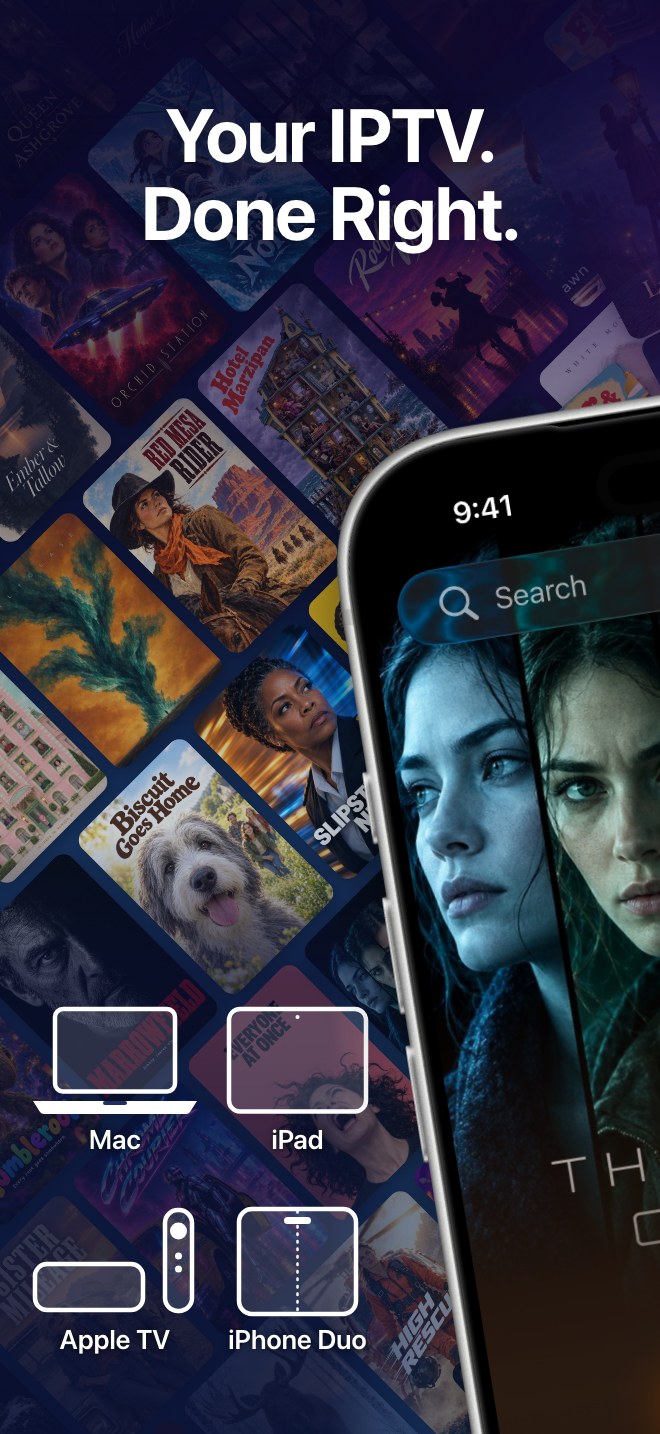
Yagi runs on iPhone, iPad, Mac and Apple TV, with a layout drawn for each screen rather than a phone app stretched to fit. Home opens on a title from your own list, with Play right under it.
- iPhone
- iPad
- Mac
- Apple TV
- Movies, Series and Live TV each get their own tab
- Yagi Pro follows your Apple Account to each of your devices
- Interface in twelve languages
Films and series, ready to play
Movies · Series · Categories
Posters, details and a Play button.
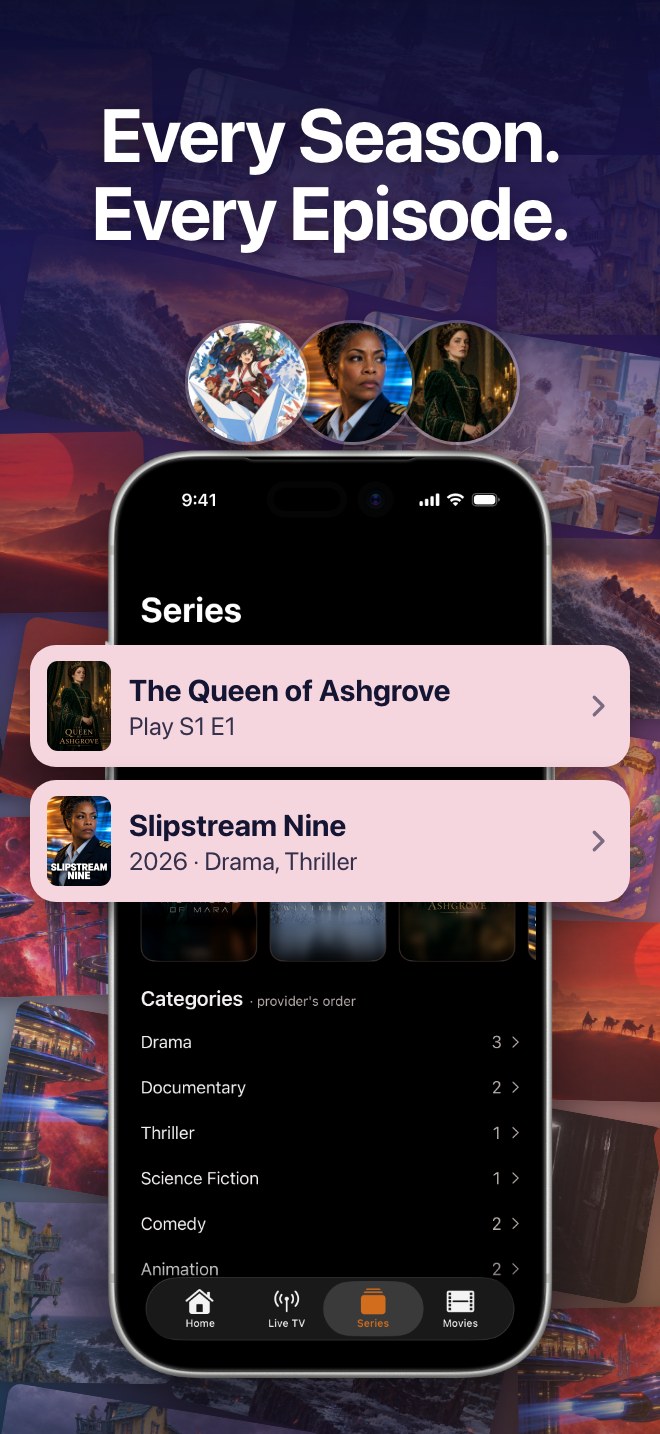
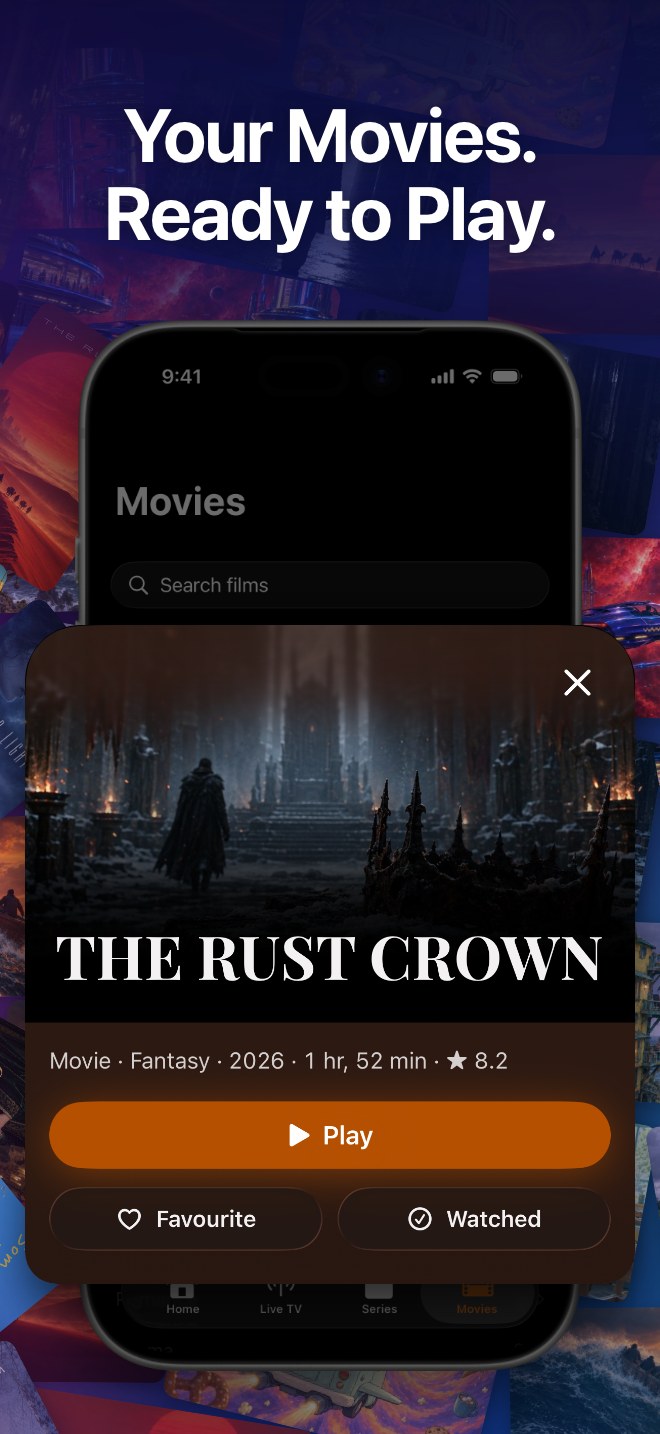
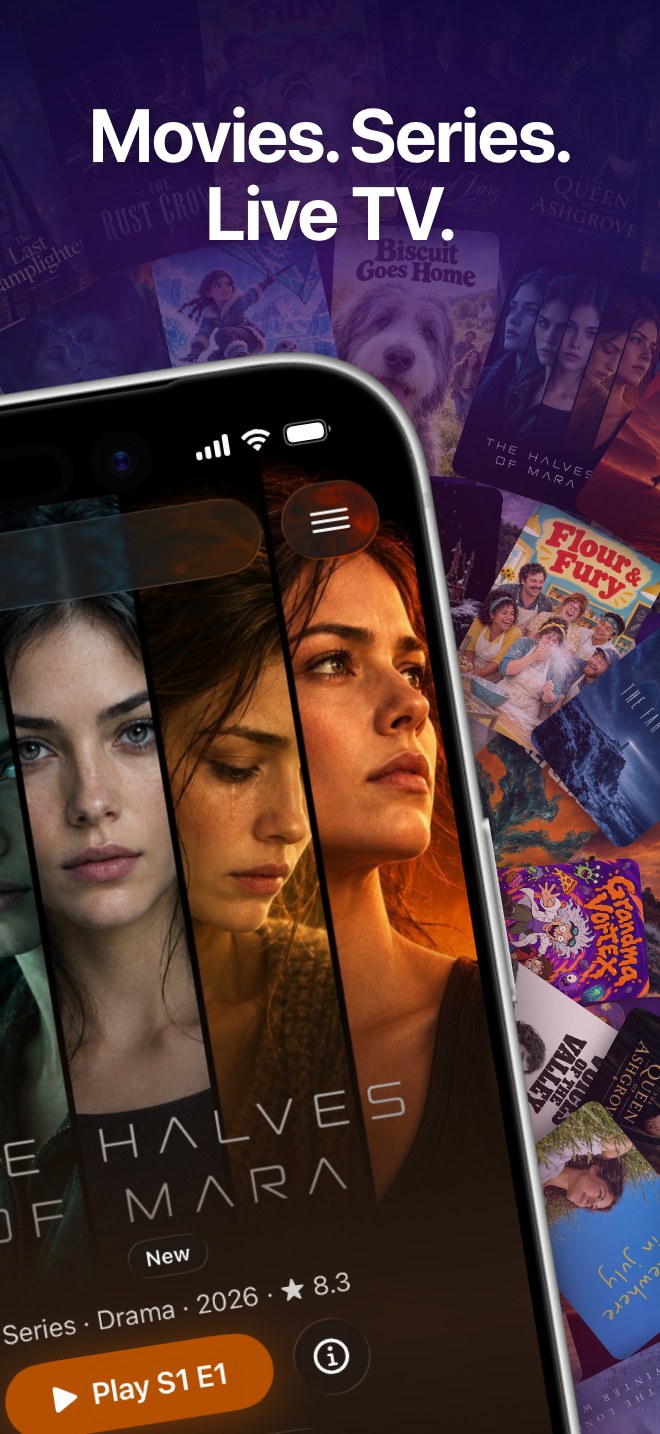
A film opens on a card with its genre, year, running time and rating, and three buttons: Play, Favourite and Watched. A series opens on the episode you are up to, and the category list keeps your provider's own order.
- Mark a film watched, or keep it as a favourite
- Series start from the right season and episode
- Categories in your provider's order, with counts
Pick up where you left off
Continue · Favourites · Live TV
Your place, your favourites, your channels.
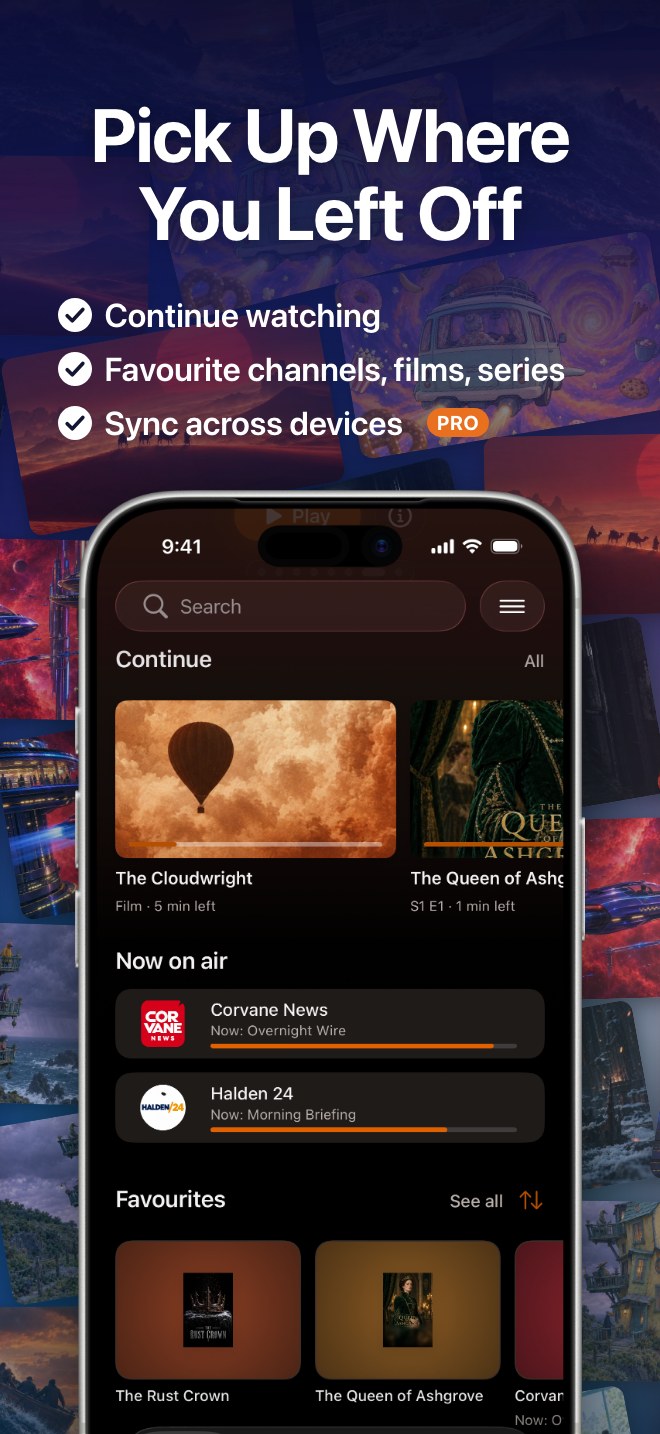
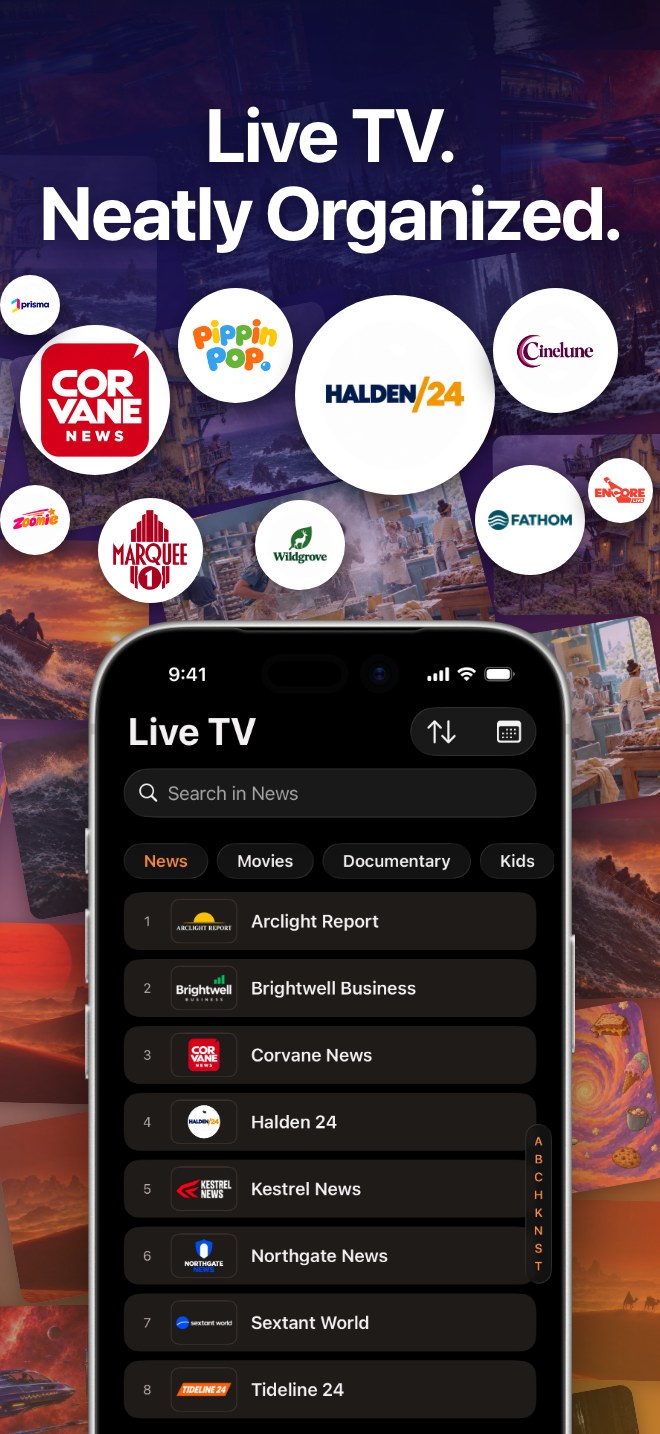
Home keeps a Continue row with the time left on each title, shows what is on air right now on your favourite channels, and keeps favourite channels, films and series together. Live TV keeps your provider's channel groups and numbers, with search inside a group and an A to Z index down the side.
- Continue watching, with the time left
- Favourites that survive an update or a re-import
- Sync across your devices PRO
A player built to keep playing
Player · AirPlay · Picture in Picture
Turn the phone sideways. Keep watching.
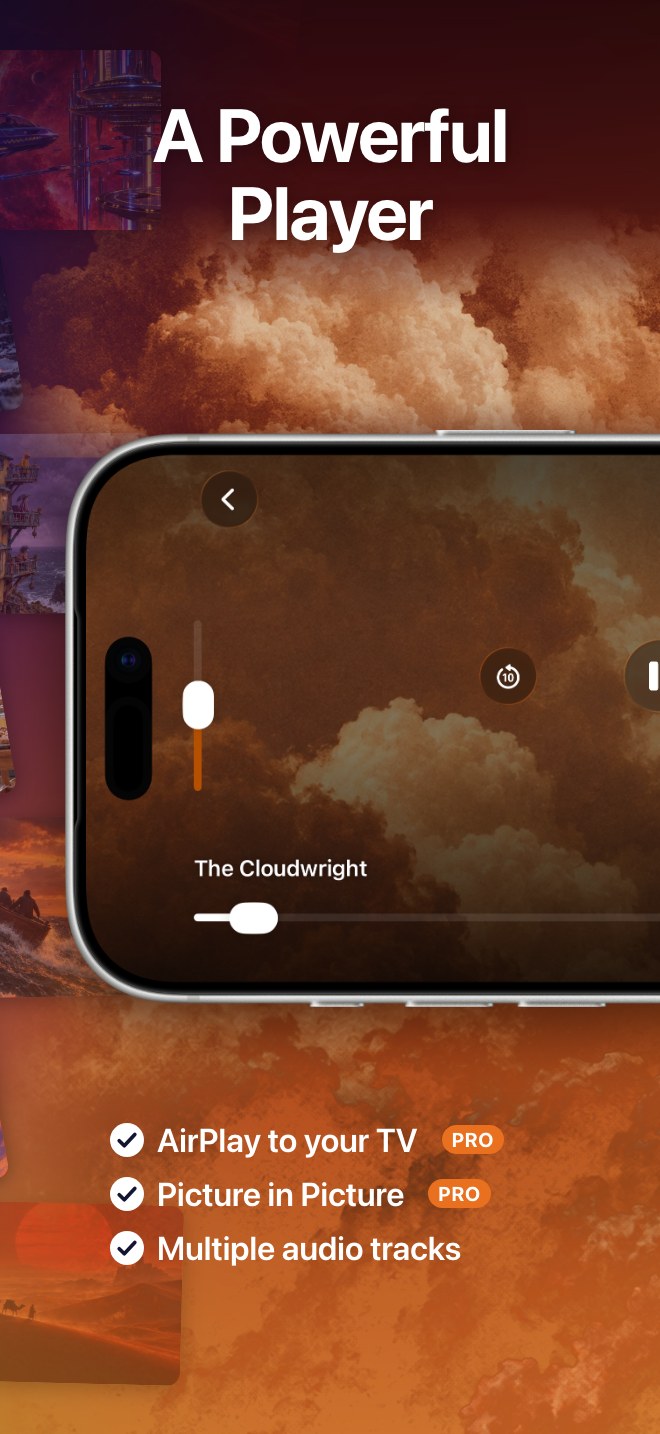
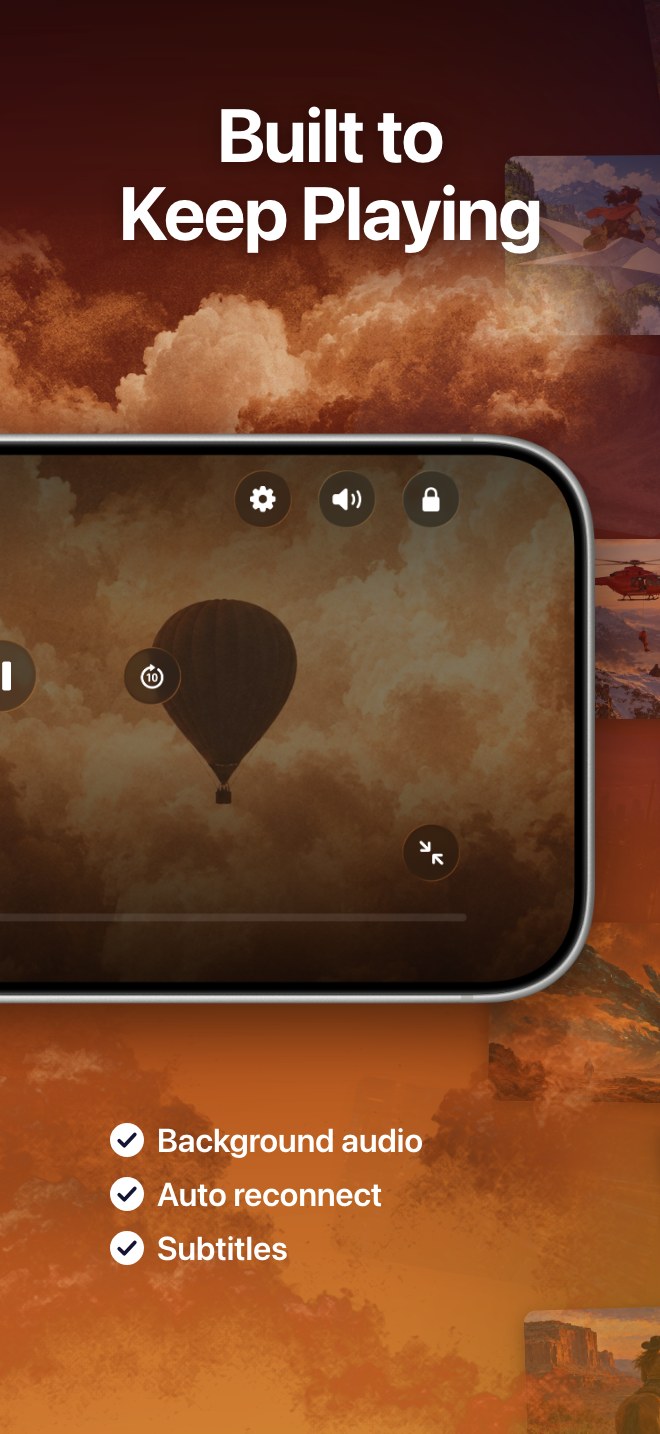
The player puts brightness, skip back ten seconds and the timeline under your thumbs, with settings, sound and a screen lock along the top. When the connection drops, it reconnects by itself.
- AirPlay to your TV PRO
- Picture in Picture PRO
- Multiple audio tracks and subtitles
- Background audio and auto reconnect
One search, your whole list
Channels · Series · Movies · Programmes
Type a few letters. Find it.
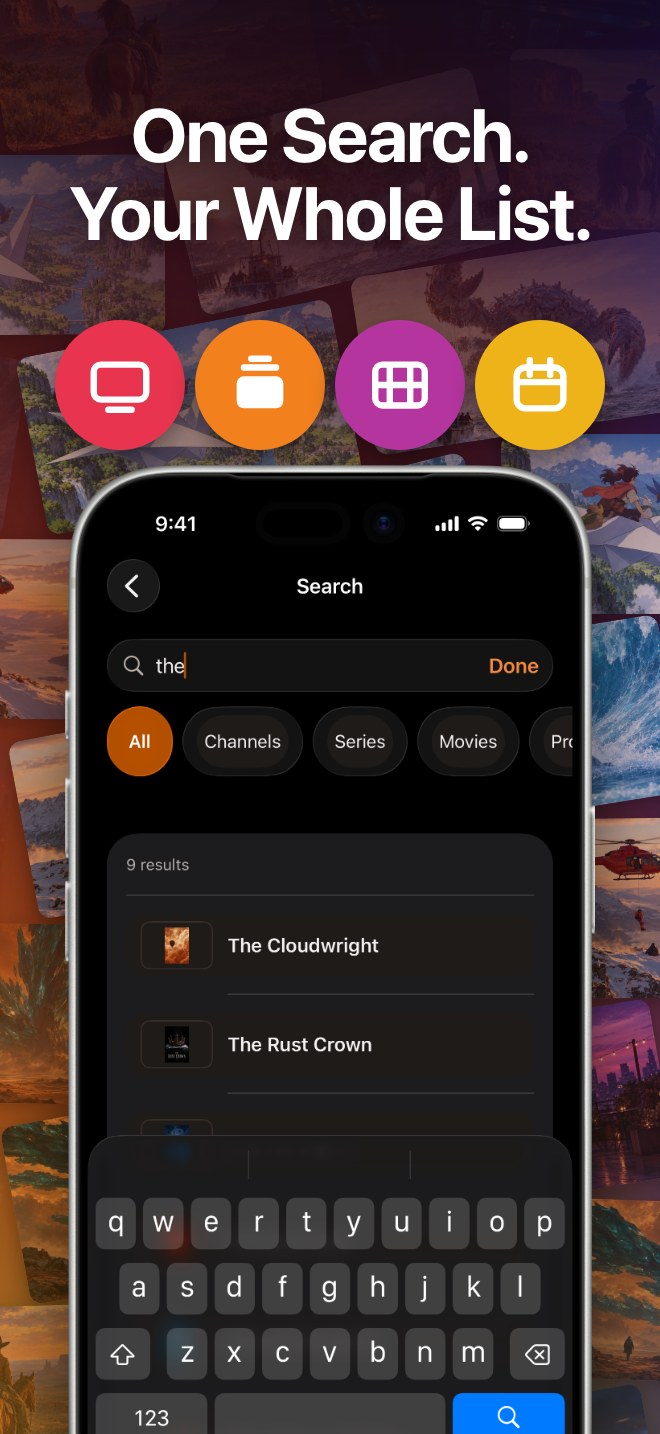
One search box looks through channels, series, films and guide programmes at once, and filters narrow it to one kind when the list is long.
Every title, poster and channel in these pictures is invented for illustration. Yagi comes with none of them.
An honest player.
Yagi does one job: it plays what you already have, on every Apple screen, without getting in the way.
No channels included
Yagi provides, sells and hosts no channels, films or series. It plays the playlist you bring.
Your login stays yours
It goes to your provider and nowhere else. On your devices it lives in the Keychain, synced by iCloud Keychain if you use it.
The guide, matched openly
Add a guide link and Yagi tells you how many of your channels it could match, instead of leaving gaps to guess at.
Favourites that stay
Favourite channels, films and series are kept through app updates and through re-importing your playlist.
Every Apple screen
iPhone, iPad, Mac and Apple TV, each with its own layout, from one app.
No account to create
There is no Yagi sign-up. Open the app, add your playlist, press Play.
Questions, answered.
Does Yagi come with channels?
No. Yagi ships no channels, films or series, and does not sell any. It is a player: it plays the playlist you already have from a provider you already use. If you do not have one, Yagi has nothing to play.
What do I need to start?
A playlist link (M3U or M3U8) or an Xtream server login from your provider. If your provider gives you a guide link (XMLTV), you can add that too, and Yagi shows how many of your channels it matched.
Where does my login go?
To your provider's server, and nowhere else. On your device it is kept in the system Keychain, and if iCloud Keychain is turned on, Apple syncs it to your other devices. We never receive it. The privacy policy has the details.
Which devices does it run on?
iPhone and iPad with iOS 18 or later, Mac with macOS 15 or later, and Apple TV with tvOS 18 or later.
What costs money?
Some features are marked Pro in the app, such as sync across your devices, AirPlay to your TV and Picture in Picture. Yagi Pro follows your Apple Account, so you do not buy it again for each device. Current pricing is displayed in the App and on the App Store. Prices may vary by region.
Is this legal to use?
Yagi is a video player, like any other. Use it only with playlists and streams you have the right to watch. We do not provide, check or control what a provider sends.
When can I get it?
Yagi is not on the App Store yet. This page will link to it the day it is.
Your playlist, played properly.
Coming soon to iPhone, iPad, Mac and Apple TV.